
Blog | | 4 min read
An app that scans your fridge and tells you what to cook
How Shelfcook's photo scan works: one to four photos, confirm what it finds, nothing added to your pantry without you saying yes.
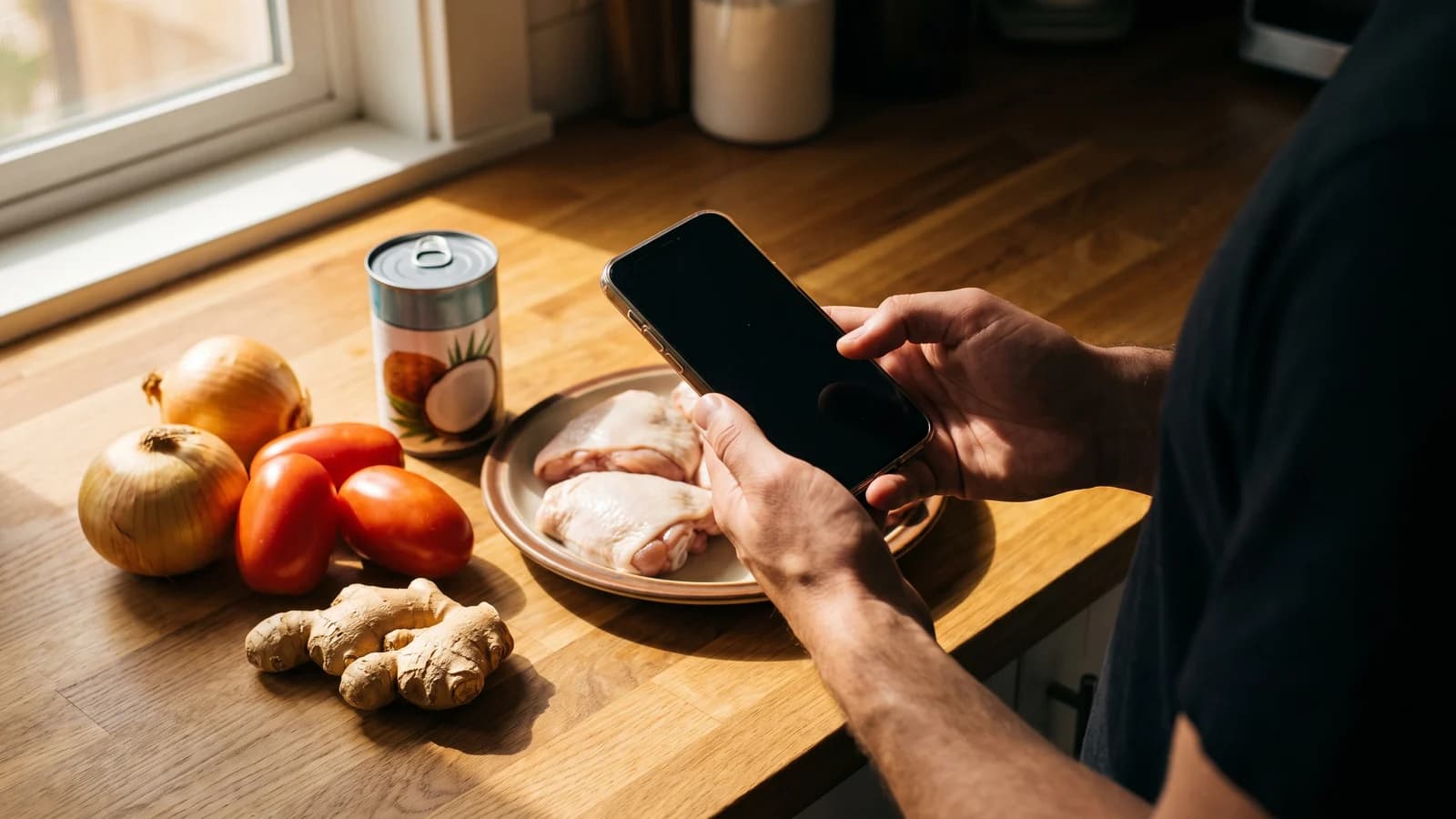
Shelfcook scans your fridge or pantry from one to four photos, shows you what it thinks it found as tappable chips, and adds nothing to your pantry until you confirm each one. Then it matches what you have against dishes from 30 cuisines.
How does the scan actually work?
Open the app and take between one and four photos of a shelf, a fridge, or a counter full of groceries. Each photo is resized to 1024 pixels and stripped of location data on your phone before it is sent anywhere. The photo is processed to detect items, and it is not stored on the server afterward. There is nothing sitting on a server to leak or to worry about later.
What happens after I take the photos?
Detected items come back as chips. Each chip sits in one of three states: confirmed, uncertain with a quick question you can tap to resolve, or dismissed if it got something wrong. Tap a chip to open it and set the quantity, unit, category, and an optional expiry date. Nothing enters your pantry as fact until you have confirmed it; the app proposes, you decide.
Why require confirmation instead of just trusting the scan?
Because a photo of a shelf is never going to be perfect. Labels turn away from the camera, two jars look alike, a half-used bag of something gets missed entirely. Building in a confirm step means small misreads do not quietly corrupt your pantry data, and it means you are always looking at a list you actually trust when you go to cook from it.
How fast is it?
A typical scan comes back with reviewable chips in a matter of seconds, and even a slower one should land well under ten. You are not waiting around; you are taking a couple of photos and reviewing a short list of chips before you get back to your evening.
What if I would rather not use the camera at all?
You do not have to. Shelfcook also supports manual entry with autocomplete over a large ingredient list, and barcode scanning through Open Food Facts for packaged goods. Photo capture is the fast path for a shelf full of loose produce or an open fridge; barcode is faster for a can or a box; typing works when you already know exactly what you have.
What does a scan look like from start to finish?
Open the pantry tab, tap to scan, and take your photos: the inside of the fridge with the door open, a pantry shelf, or a counter of groceries fresh from the store. Submit them, and within a few seconds a review screen shows chips grouped by what was detected. You work through the chips, confirming the ones that look right, correcting the uncertain ones, and dismissing anything that is wrong. Once you are done, those items land in your pantry with whatever quantity, unit, and expiry you set. The whole thing, photos to a reviewed pantry, usually takes under a minute of actual attention from you.
Is this a new idea, or does it already exist elsewhere?
It is not a brand-new idea. Photo-to-recipe apps already exist: MakeGood does fridge and pantry photo recognition with allergy exclusions and timers, and apps like Pantry Pic, PhotoFridge, and Cook AI take a fridge photo and suggest recipes from it too. What none of that group does, based on the research, is pair photo capture with a pantry that persists between sessions, household profiles, and a curated set of dishes across 30 cuisines, which is the part Shelfcook is built around rather than the scan alone.
Is there a limit on how much I can scan?
Members get 40 photo scans a month as part of the plan. Manual entry, saved recipes, and your grocery list are unlimited, so once your pantry is set up, keeping it current by hand does not touch the cap at all. The cap exists because each scan runs against a paid service behind the scenes, not because scanning itself is meant to feel rationed.
What about barcode scans or typing things in, do those count against the cap?
No. The 40-scan cap covers photo scans specifically. Recipe generations, the step where Shelfcook turns your pantry into actual dish suggestions, have their own separate cap of 150 a month. Both caps reset monthly and exist to keep the underlying costs sustainable, not to make the app feel stingy day to day.
Can I try it before paying for anything?
Yes. There is one free scan preview: scan once and see the dish names Shelfcook finds for what is in the photo. Opening the actual recipes needs the 7-day free trial, and after that it is $9.99 a month or $59.99 a year.
Shelfcook is still in development and not yet in the app stores. Join the waitlist and you will be notified the moment scanning is something you can try yourself.
Nutrition figures are estimates. Allergen flags are best effort and say so. Shelfcook makes no health claims.